
The Cursor 2.0 Quick Start Guide: From Beginner to Pro in One Session
40+ Tips & Tricks. Once you have switched to Cursor 2.0, you won't want to go back to the old workflow.

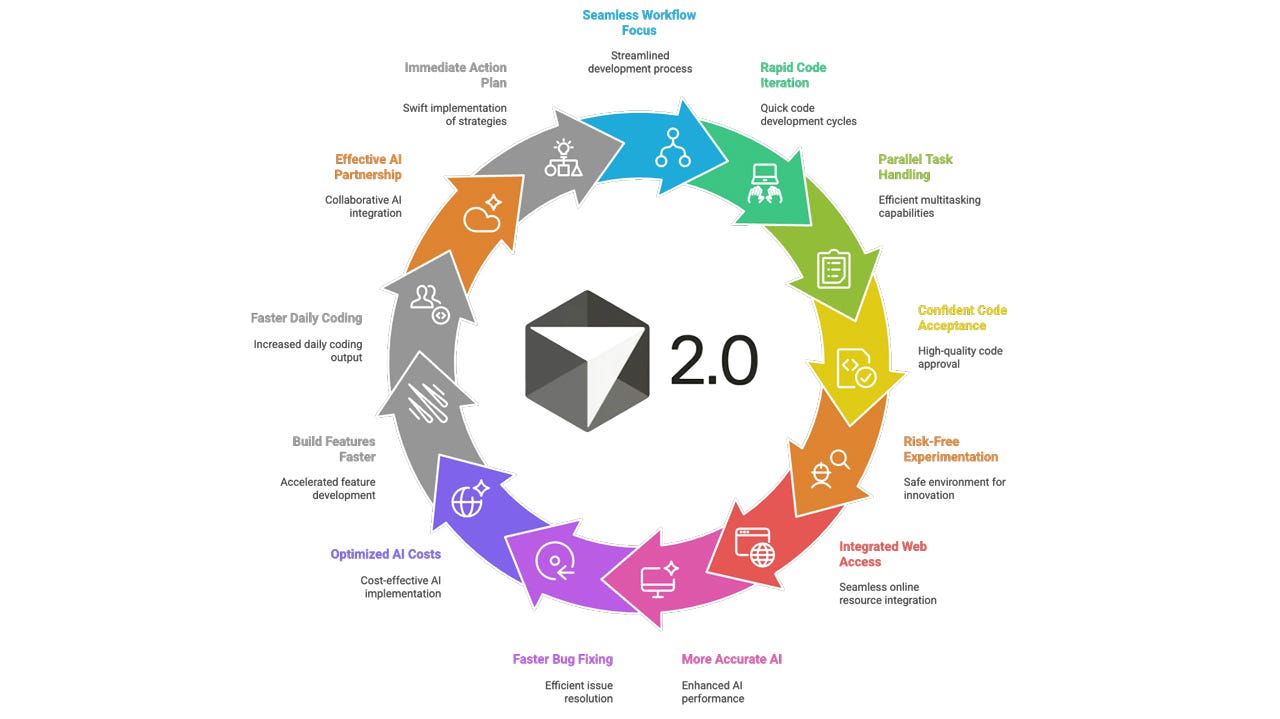
Most developers using Cursor 2.0 are working ten times harder than they need to. Not because they lack skill, but because they’re using it wrong.
They write prompts like they’re talking to ChatGPT. They wait for single agents to complete tasks sequentially. They debug by repeatedly asking “why isn’t this working?” They treat each conversation as isolated, wasting context on redundant explanations. And when the AI produces bugs, they spend more time fixing them than if they’d written the code themselves.
Meanwhile, a small group of developers has figured out the correct model, they understand when to delegate to AI and when to code directly, and this distinction makes all the difference.
This guide contains 40 specific techniques that separate proficient Cursor users from everyone else. No theory. No fluff. Just actionable workflows you can implement immediately.
Before your coffee gets cold, you’ll have a field-tested workflow you can run immediately